
Business growth
Grow with enquiries and Click Analyser
Eusta records how customers interact with your store. A few minutes with these numbers each week shows you what to feature, what to fix and where to share.
Your dashboard at a glance
Your dashboard shows your subscription status, totals for products, categories, enquiries and product clicks, a weekly visitors chart and your latest enquiries.
Read the Click Analyser
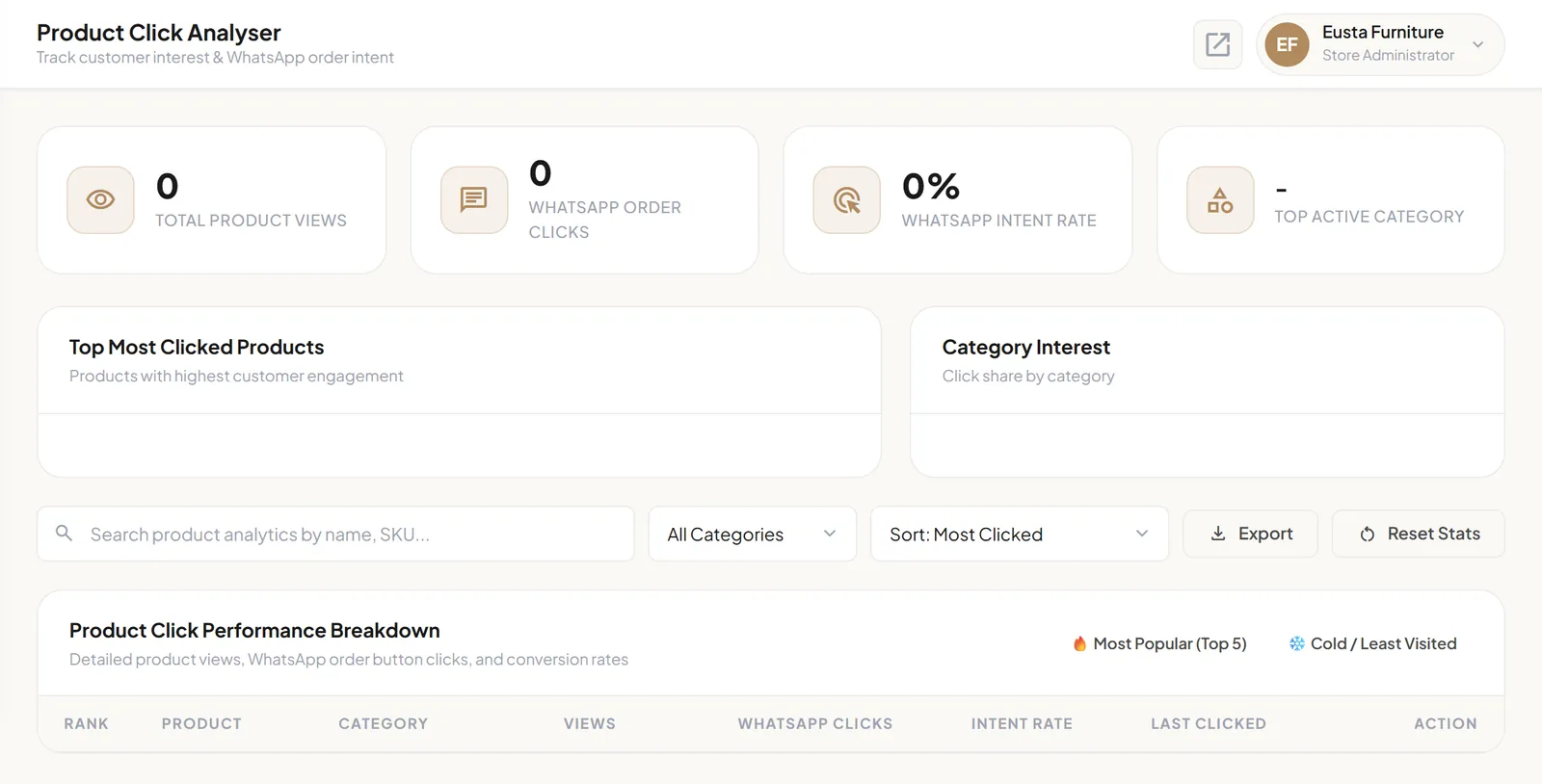
Click Analyser shows:
- Total product views and WhatsApp order clicks.
- The WhatsApp intent rate, which compares WhatsApp clicks with views.
- Your Top active category, your most clicked products and interest by category.
- A per-product breakdown with views, WhatsApp clicks, intent rate and when each product was last clicked.
You can sort and filter the breakdown, for example by Most Popular (Top 5) or Cold / Least Visited, export it, or reset the statistics when you want a fresh start.
Turn the numbers into actions
- Many views, few WhatsApp clicks? Check the price, photos and description. Customers are interested but not yet convinced.
- A high intent rate? Feature the product in a homepage banner and share it directly with customers.
- Cold products? Improve the photos, move them to a more visible category, or retire them.
- A popular category? Move it to the front of your category strip in the Homepage Editor.
Stay on top of enquiries
The Enquiries inbox collects messages sent from your store's contact page. Filter by Unread or Replied, open a message to read it in full, reply, and export your enquiries when you need a record.
Share your store where customers are
- Add your store link to your WhatsApp Business profile and status updates.
- Put it in your social media bios and posts.
- Include it in digital ads, customer messages, business cards and printed materials.